Blueprint
Pick app type, audience, pages, roles and features. Get a spec with a screen list and acceptance checklist, plus a completeness meter.
Open Blueprint
Prime Code AI · Overview
Vague prompts make AI builders drift. Drop in a rough idea below and get one clear prompt with goal, users, screens, data and rules, ready to paste into any builder.
Your text is sent to an open Llama model on Cloudflare Workers AI to produce the answer. We do not store it.
This is a fixed example, not a live result. Input: “a booking app for my yoga studio”.
Goal: Let clients of a small yoga studio book and cancel classes online, and let the owner see who is coming.
Users: Clients; studio owner (admin).
Screens: Class schedule, Class detail, My bookings, Owner dashboard (attendee list), Sign in.
Data: Client (name, email), Class (title, time, capacity), Booking (client, class, status).
Key rules: A class cannot exceed its capacity; cancel up to 2 hours before start; show a waitlist message when full.
Style: Calm, light, mobile first, large tap targets.
Assumption: No online payment in the first version.
People who build apps with AI often get stuck. Their idea is vague, and their prompts leave out screens, data and edge cases. The generated app drifts, needs many rebuilds and wastes time and credits.
Prime Code AI turns a loose idea into a structured blueprint, a data model, a scored prompt and a launch checklist. The AI steps are small and focused, each with one job.
Pick app type, audience, pages, roles and features. Get a spec with a screen list and acceptance checklist, plus a completeness meter.
Open BlueprintDrag table cards on an SVG canvas, add fields and relations, then export SQL-style DDL and a plain-English summary.
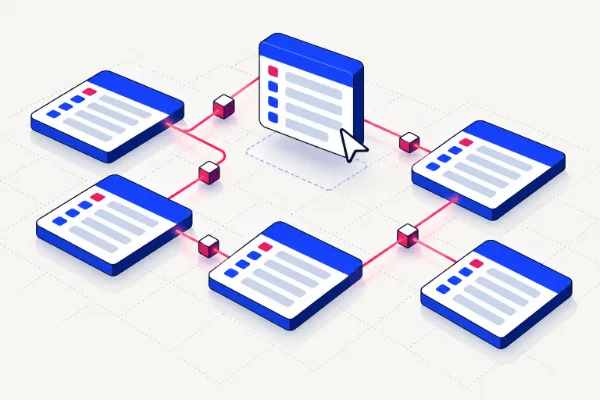
Open Schema BoardScore a prompt for goal, screens, data, rules and style. Then rewrite it, split it into user stories or plan the screen flow.
Open Prompt Lab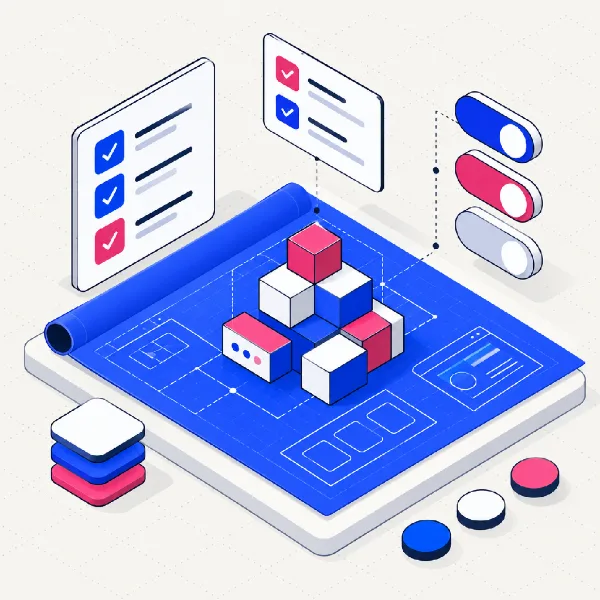
A guided spec with a live preview and a completeness meter, so nothing is missing when you paste it into a builder.
Plus Build Guides: short playbooks, worked examples and a Launch Readiness Checklist with saved progress.
Prime Code AI is in early access. Every tool is free today and needs no sign-up. Paid plans are coming.
Blueprint, Schema Board, Prompt Lab and Build Guides. Drafts are saved in your browser.
Join early accessSaved workspaces, team sharing and export templates for popular AI builders. Price to be announced.
Paid spec-review packages for small businesses that want a second pair of eyes before they build. Price to be announced.
The site takes no payments today.
Creators and small businesses should be able to ship working software without being engineers, and developers should spend their time on the hard parts. A good plan is how both get there.